
Picking a POS system ranks high on the list of crucial choices for anyone running a restaurant. A solid setup keeps things moving, trims expenses, cuts waste, opens room to scale. Pick poorly? That drags speed down, wears team morale thin, holds back potential.
Starting off cheap isn’t always smart - some pick a POS just because it costs less or someone suggested it. Switching later happens more than you’d think, once reality sets in.
This guide takes you forward one piece at a time, showing how picking a POS system fits real needs in your restaurant instead of flashy claims. Each part moves on its own rhythm, built around what actually works when orders come fast and systems must keep pace without drama or extra noise.

A kitchen hums at its own pace. While one spot thrives on speed, another leans into quiet detail instead.
Start by asking:
What you need now - plus what lies ahead - shapes which POS systems make sense for your work. How things stand today might shift tomorrow, so thinking ahead matters just as much as the present moment.
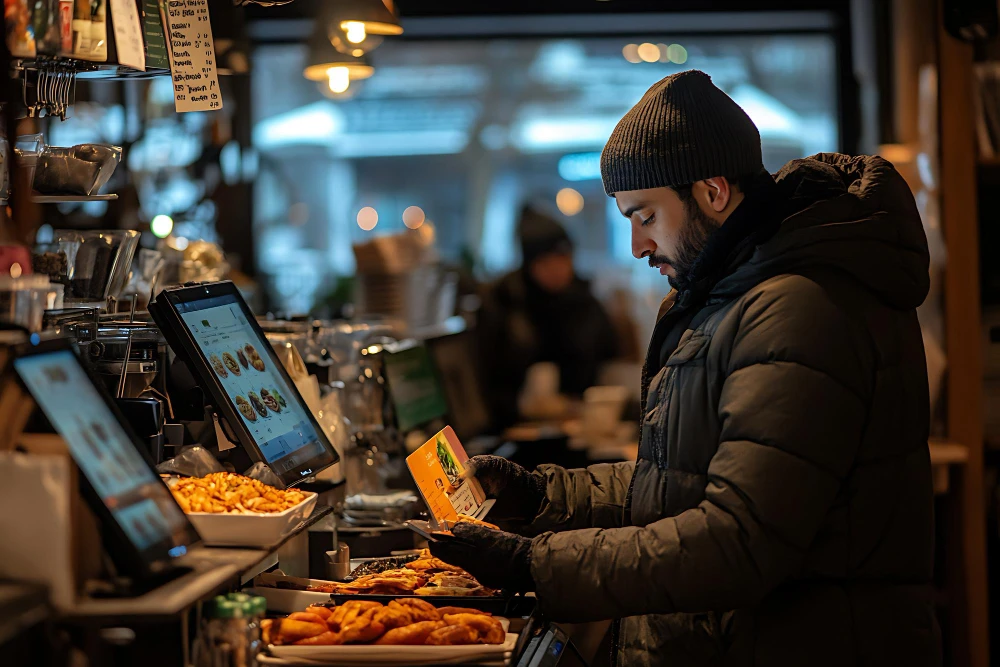
Fees alone won’t cover it anymore.
A Modern Pos Should Support:
A single-minded checkout tool can quietly block progress behind the scenes. Growth often stalls when systems ignore everything beyond the cash drawer.
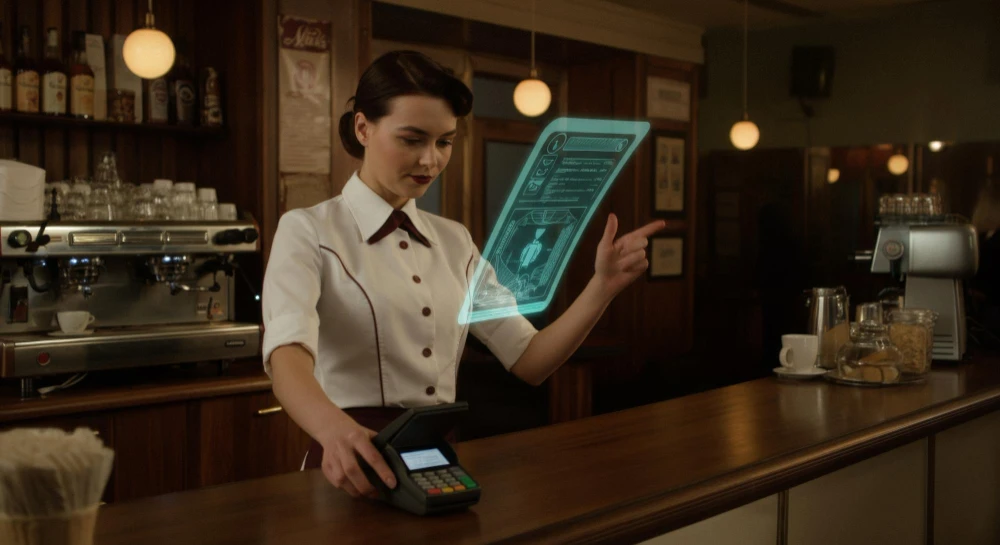
A single cashier might tap the screen slowly while another flies through tasks without pause - each relies on the POS system every day, regardless of how they understand technology.
Among the main things that matter for ease of use are these points:
Mistakes climb when employees fumble through the point-of-sale system, slowing everything from orders to checkout.
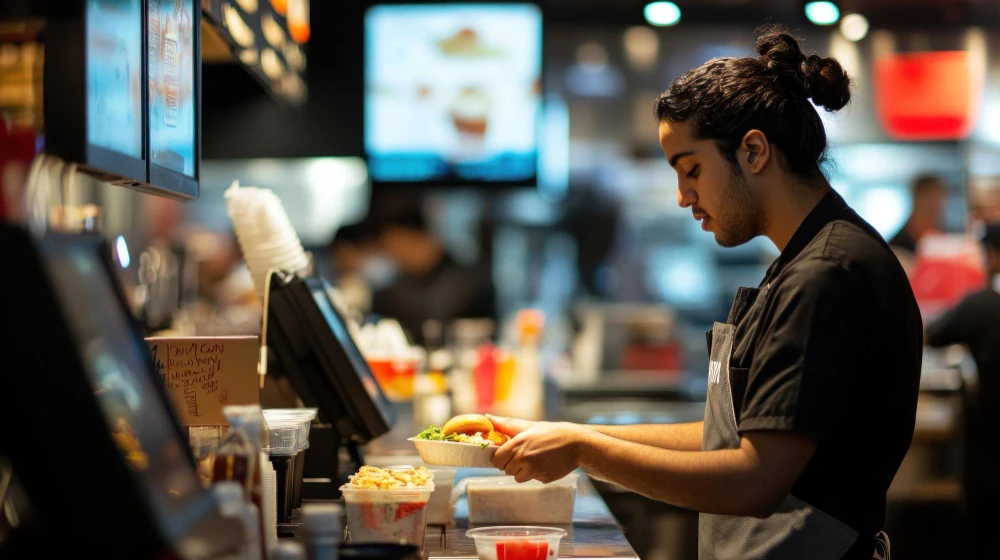
Folks tap screens to buy meals instead of walking into restaurants these days. Revenue flows steady through digital menus tucked in apps and websites alike.
Your POS should:
When things get hectic, fewer mistakes happen because the tools work together. Order precision gets a quiet boost without extra effort needed.
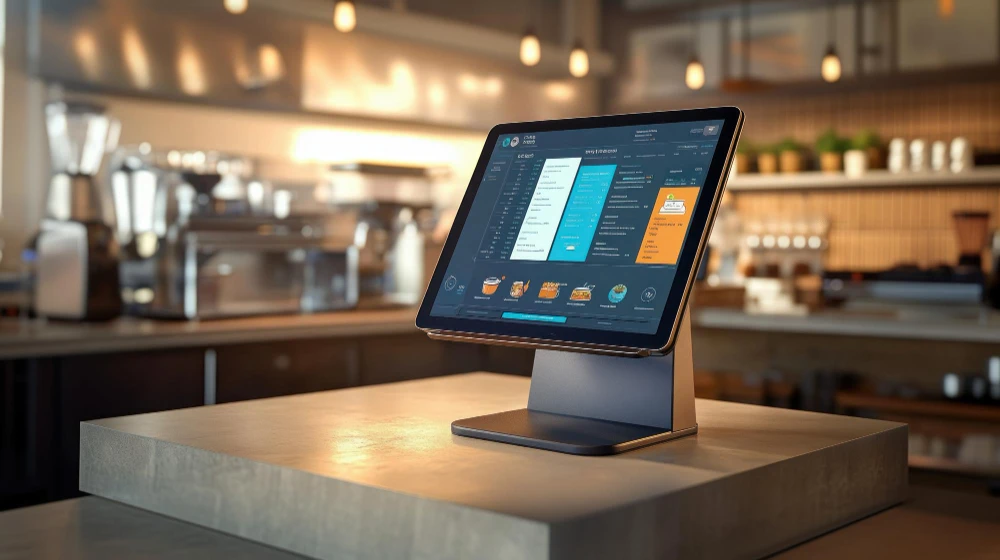
Fewer errors in stock tracking mean more money stays in the register. Profit shifts when inventory is managed with precision.
POS systems with essential features:
Fresh stock tracking cuts losses while shaping smarter buys. Inventory tools that work well lead to less spoilage, better choices over time.
A single number means little without context. Insights come from seeing patterns over time. What changed last week matters more than a total. Numbers only help when they tell a story. Understanding follows where details connect naturally.
Important reporting features include:
When reports stay clear, business owners spot chances - plus problems - without delay. A straightforward layout cuts through noise, revealing what matters faster than expected.
Customers expect multiple payment options.
POS must support:
Few ways to pay might annoy shoppers, making checkout drag on. Payment hurdles tend to irritate people, stretching out the finish line.
Besides running just one spot now, your system ought to handle expansion. Though small today, it must be ready later. Growth might come - your tools should keep up. Starting with one doesn’t mean staying there. The right setup grows when you do.
Scalable pos systems:
A well-built setup today means fewer swaps tomorrow.
Running on the internet, these checkout tools adapt easily while keeping data safe.
Key benefits include:
Being online lets owners reach their work whenever needed.
Fees at checkout systems might leave you puzzled.
When evaluating cost, consider:
A lower price tag might save money today, yet cost more over time. Thinking ahead often matters more than cutting costs right now.
Falling short on vital functions, budget setups usually miss key tools.
A team's ease of use weighs heavier than what the boss likes. What workers need stands out past personal taste.
Finding help you can count on makes a difference when things get hectic.
Ahead of confusion, clarity steps in. Straight talk keeps future shocks at bay. When meanings show up clean, problems struggle to hide.
EatzPro grows alongside eateries, fitting each phase they pass through.
EatzPro delivers food fast:
What sets EatzPro apart is how it handles everyday tasks without extra steps. Success over time comes from tools that just work, quietly helping behind the scenes.
A well-chosen POS fits how you work, grows as you do, yet delivers clear answers when needed.
Take time to:
A choice made with care now cuts down on trouble later. One moment of reflection prevents piles of problems ahead. Looking ahead a little means less rushing around tomorrow. Pausing to think shifts the weight away from chaos down the road. What feels small today shapes how smoothly things go later.
A good POS isn’t only code on a screen. Success often ties back to who stands behind it.
A step-by-step check helps owners pick the right POS setup - matching daily tasks leads to smoother workdays. Choosing wisely means less hassle later, especially when speed matters most during busy hours.
A fresh take on restaurant needs shows up right here. This one keeps pace without trying too hard. Balance comes naturally when design follows real shifts. Modern does not mean complicated - just clear. What works now stays ahead by staying simple.
Yes. A Restaurant POS System Improves Profitability By Reducing Order Errors, Controlling Inventory Costs, Increasing Staff Productivity, Identifying Best-selling Menu Items, And Providing Real-time Business Insights That Help Owners Make Better Decisions.
View MoreChoose A POS System Based On Your Restaurant's Size, Service Style, Budget, And Growth Plans. Look For Features Such As Online Ordering, Inventory Management, Payment Processing, Reporting, Employee Management, And Customer Support To Ensure It Meets Your Operational Needs.
View MorePOS Integration With Online Ordering Is Essential Because It Automatically Sends Customer Orders To The Kitchen, Reduces Manual Entry Errors, Improves Order Accuracy, And Keeps Inventory Updated In Real Time. This Creates A Faster And More Efficient Workflow.
View MoreA Modern Restaurant POS System Should Include Online Ordering Integration, Inventory Tracking, Kitchen Display System (KDS) Support, Table Management, Employee Scheduling, Loyalty Programs, Contactless Payments, Real-time Analytics, Customer Management, And Multi-location Support.
View MoreA Cloud-based POS Allows Restaurant Owners To Access Sales Reports, Inventory, And Business Data From Anywhere. It Offers Automatic Software Updates, Secure Cloud Backups, Real-time Reporting, And Easy Scalability, Making It Ideal For Growing Restaurants.
View More